Streaming services keep raising their prices which is why BitTorrent streaming apps are becoming more and more popular. Wouldn’t it be great if you could just securely stream movies and television shows directly from BitTorrent to your TV? Here is the easiest and best way to stream anything to your television using a secure tunnel so you can’t get into trouble.
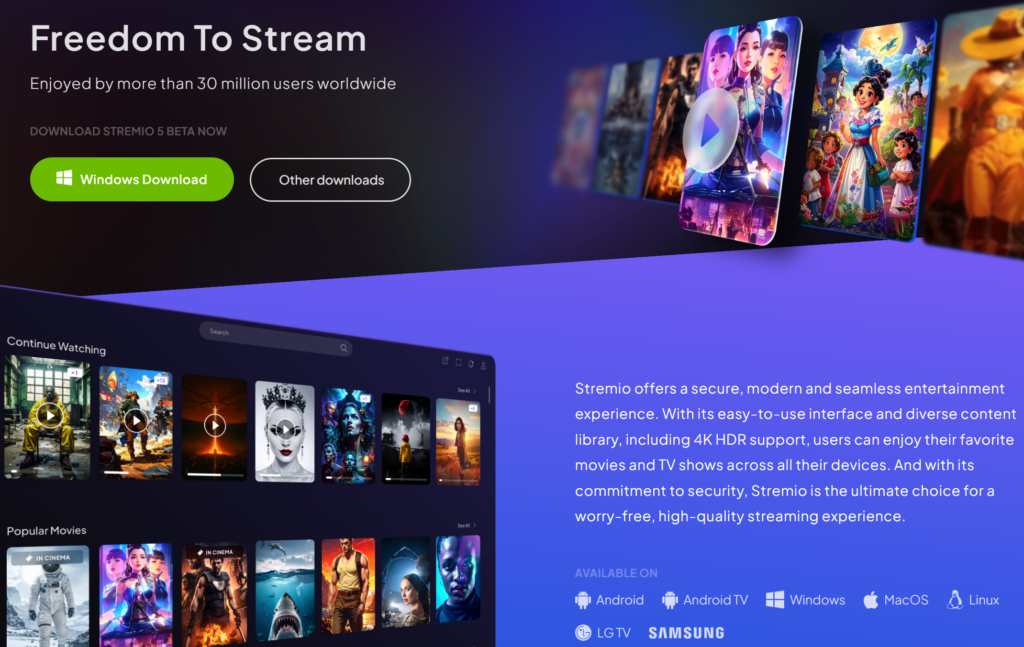
On a Windows, macOS, or Linux computer download and install the Stremio application from https://www.stremio.com/ and then open it up.
Create a Stremio account using a private e-mail address from a service such as Protonmail. Having a Stremio account already configured with the proper Add-ons will make installing on Google TV extremely simple.
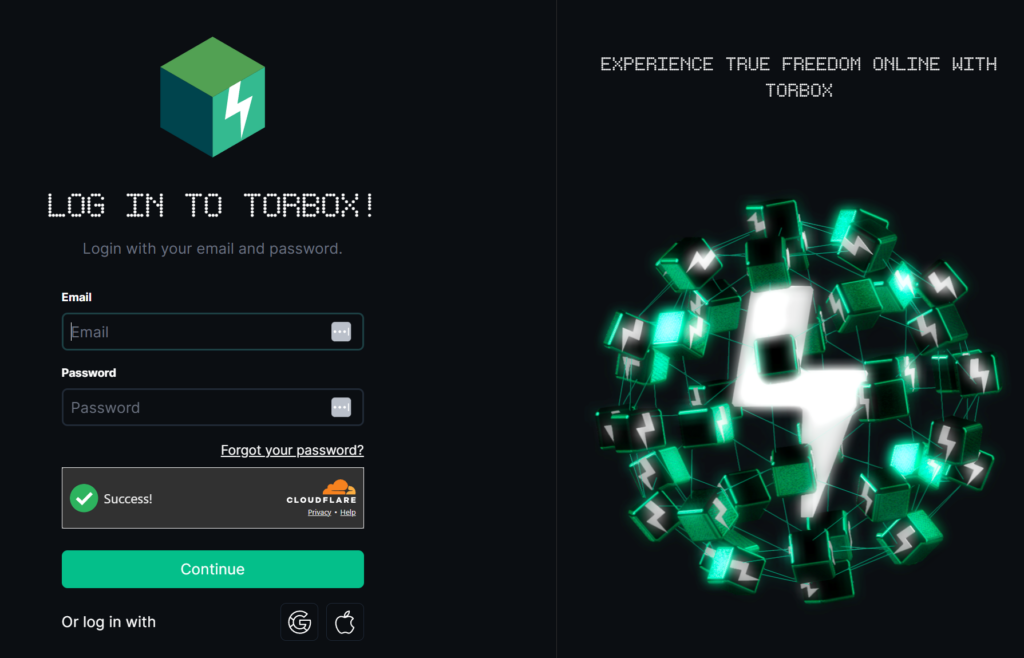
Create a free account on TorBox at https://torbox.app/login to secure your BitTorrent downloads. You could try using a VPN but after much research this is your best option. After signing up, go to settings, and click the button to copy your API key to clipboard.
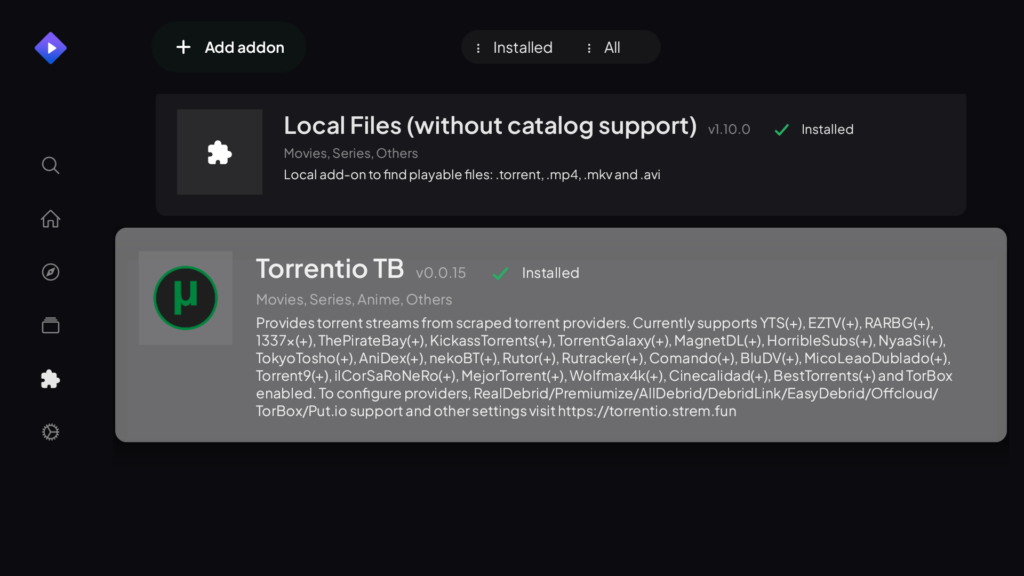
Configure Torrentio which will enable BitTorrent streaming for Stremio and securely tunnel your traffic using your Torbox account:
- Open https://torrentio.strem.fun/configure to run configuration.
- Keep all providers selected.
- Exclude low quality resolutions like Cam and Screener.
- Select TorBox as your Debrid Provider
- Paste in your API key from clipboard.
- Click install to open directly into the Stremio application on your computer or open Stremio and paste in the URL to the Addon tab.
Congrats! You can now stream any movie by searching and selecting a Torrentio source. You can disable the extension that shows popular streaming services like Hulu & Netflix so Torrentio buttons are only shown. Make sure to pick a source that has a lot of peers. All downloads will go through your secure TorBox connection. You can verify this by watching something and then logging into TorBox as your downloads will appear there. You can stream from Stremio on your computer to your TV if it supports Chromecast but for the best experience keep reading.
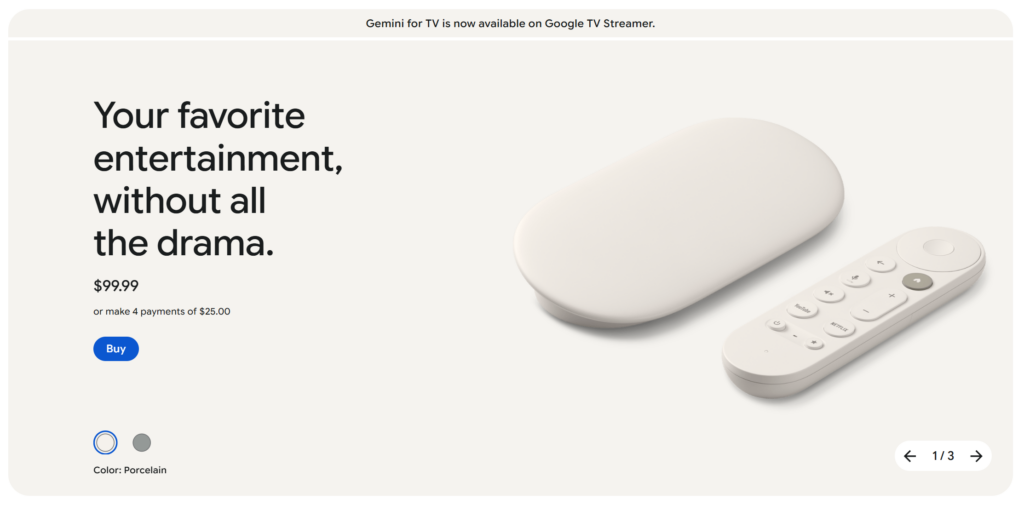
Purchase a Google TV Streamer if you don’t already have a Google TV for $99.99.
Install Stremio App for Google TV
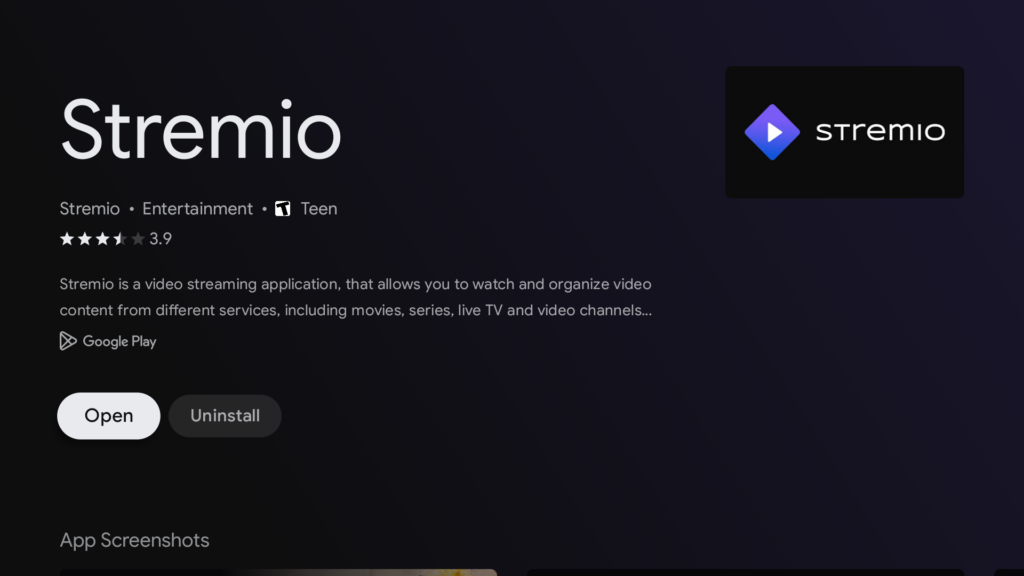
Open Stremio and login to your account. All your add-ons are there and properly configured. You can now stream anything!
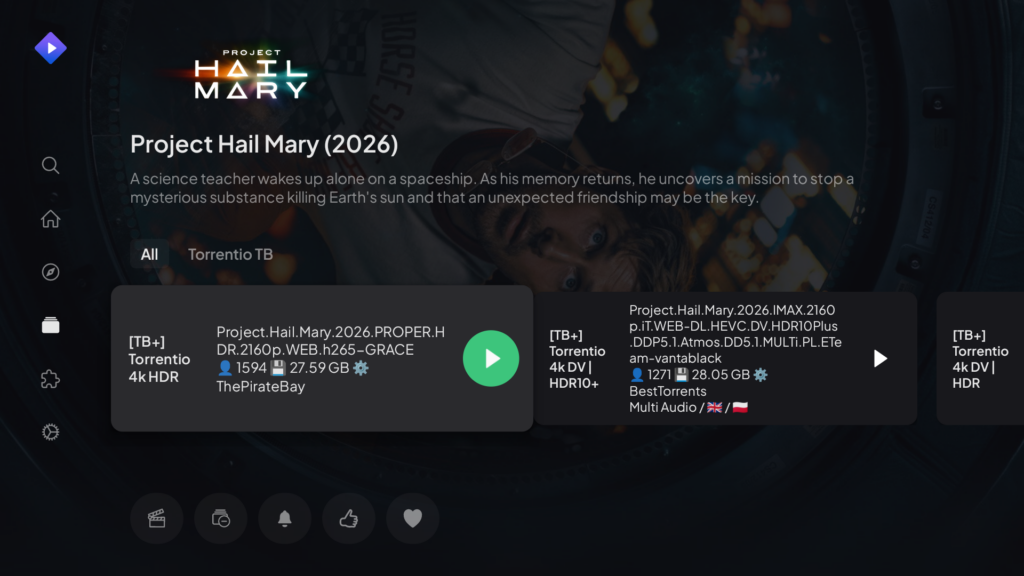
If you really want to be slick, download the Button Mapper application and remap your Netflix button on the Google TV remote to open Stremio. Haha, so long Netflix! You also may find it useful to upgrade your TorBox account to a paid plan ($3/month is pretty cheap) to enable more devices and more than 10 downloads a month.
ENJOY!